SmartSub vs Scribis: How to Choose Between Two Desktop AI Subtitle and Voice Workstations
Compare SmartSub and Scribis across open source, offline processing, subtitle translation, speaker diarization, dubbing, timeline editing, platform support, and pricing.
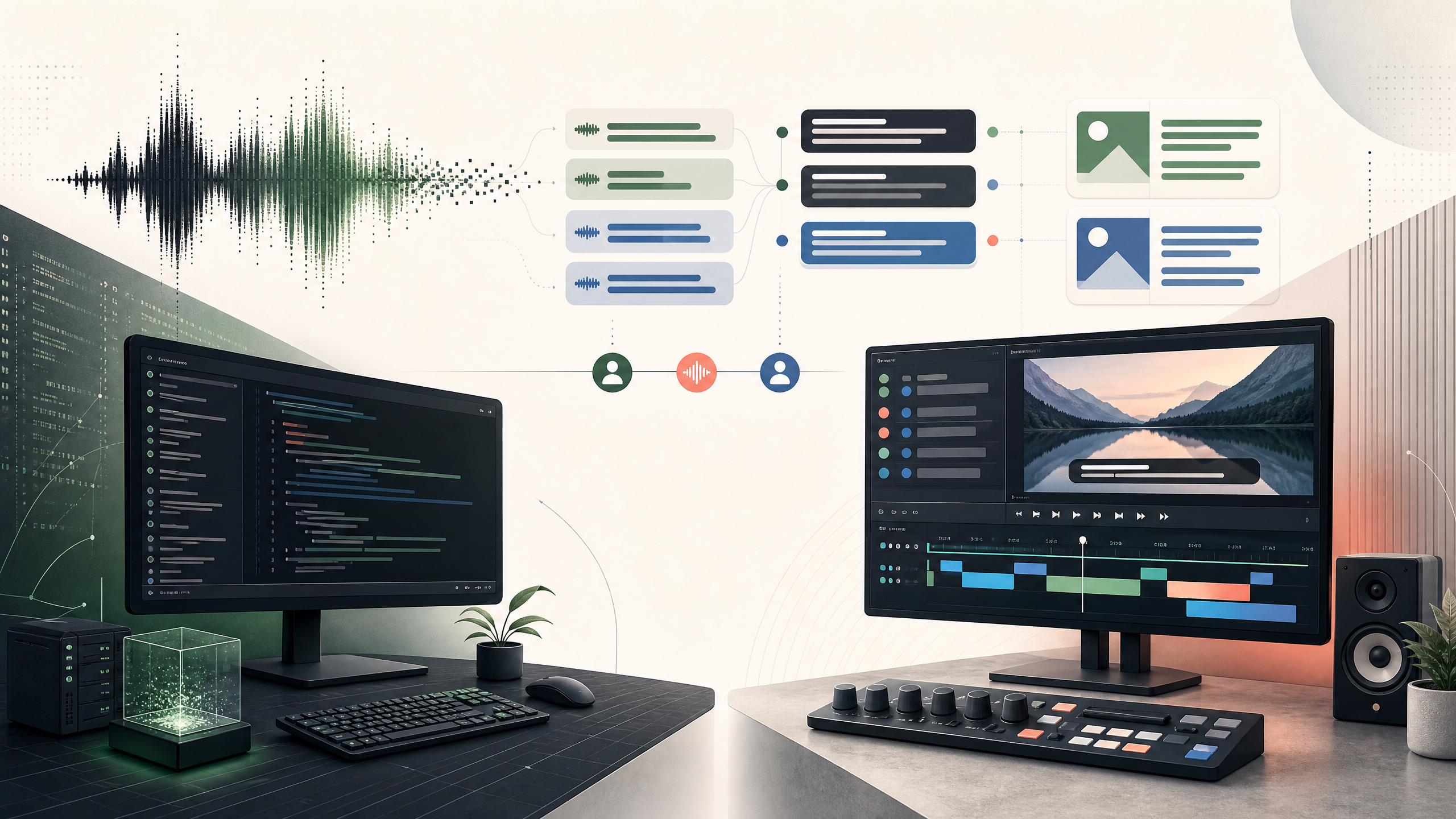
Both software applications solve the same fundamental problem: turning spoken audio into written text. However, their underlying design philosophies are completely different.
SmartSub operates like a factory production pipeline—you feed in a video, and it handles everything from downloading, transcribing, translating, and AI dubbing all the way through to outputting the final result. Scribis, on the other hand, acts like an editing workstation. It treats transcriptions as the starting point for editing, enabling you to fine-tune timestamps directly on audio waveforms or edit video clips based on individual speakers.
Disclosure: Scribis is developed by our team. To remain as objective as possible, this comparison is based entirely on publicly available release notes and feature pages as of August 2026. We focus strictly on what each software can objectively perform rather than unverified accuracy benchmarks.
Core Differences
The table below outlines the primary focus of each tool.
| Comparison Feature | SmartSub | Scribis |
|---|---|---|
| Product Positioning | Open-source desktop subtitle & dubbing tool covering the end-to-end pipeline from download to export | Desktop AI voice workstation focusing on real-time transcription, timeline editing, and video trimming |
| Key Strengths | Batch subtitle production, multilingual translation, hard/soft subtitle export, and AI dubbing | Multi-speaker diarization, precise subtitle editing, text-driven video editing |
| Supported OS | Windows, macOS, Linux | macOS (Apple Silicon), Windows |
| Pricing Model | Open source on GitHub (MIT License), completely free for local offline workflows | Commercial software. Offers Free tier, Subscriptions, and One-time Lifetime licenses |
| Speech Models | Supports various local engines (e.g. Whisper, FunASR), optional cloud services | Hybrid local & cloud engine architecture with BYOK (Bring Your Own Key) support |
| Source Inputs | Built-in yt-dlp to download YouTube or Bilibili videos directly by pasting URL | Built-in YouTube mini player for direct in-app transcription and subtitle listening |
SmartSub: The All-in-One Open Source Pipeline
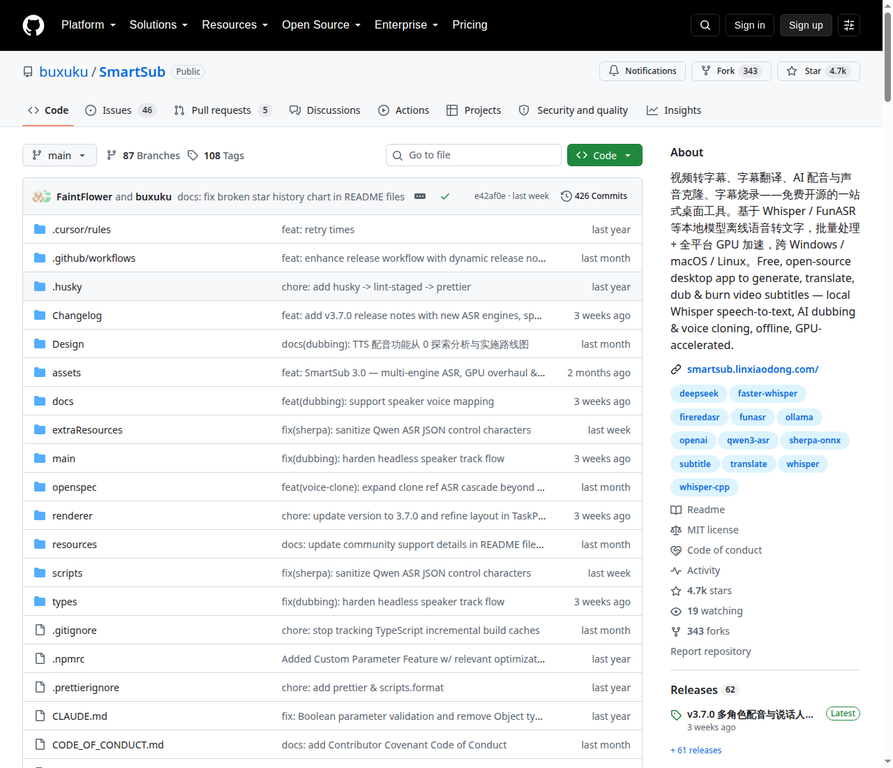 Figure: SmartSub GitHub project page (2026-08-24)
SmartSub's primary appeal lies in its aim to complete the entire video pipeline for you.
If you have a batch of videos to process, SmartSub can begin from fetching video URLs, running speech recognition and translation, and finishing by burning hard subtitles into the video or pairing them with AI-generated voiceovers. It is not merely a speech-to-text tool; it is a full post-production video pipeline.
It integrates engines like whisper.cpp, FunASR, and Qwen3-ASR. The advantage is great flexibility—you can switch between engines based on language or hardware power. The trade-off is spent time configuring model storage paths and GPU acceleration settings on initial setup. As long as your hardware handles it, you can run all local capabilities offline for free without per-minute cloud fees.
Scribis: A Workstation Built for Editing
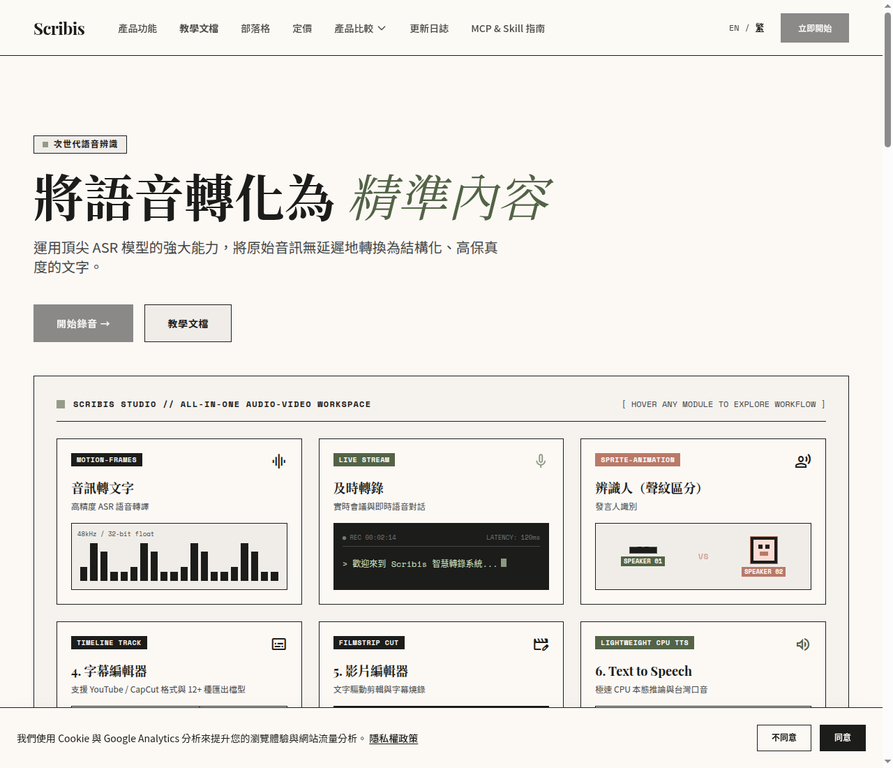 Figure: Scribis homepage (2026-08-24)
Scribis takes a different approach. It places its emphasis on "what you do with the text after transcription is complete."
Rather than treating subtitles as merely an export file, Scribis functions like a video editing workstation. In addition to transcription, you can view audio waveforms in the same window, make quick text corrections, adjust timestamp boundaries, or tag different speakers with distinct colors. If you frequently handle multi-speaker meetings or interviews, seeing "who said what and when" saves substantial effort in manual timecode matching.
In addition to local models, Scribis supports cloud APIs such as OpenAI, Groq, and ElevenLabs. You can run it entirely offline or plug in external cloud services to expand capabilities.
Practical Workflow Differences
To illustrate further, let me compare how both tools perform in everyday editing scenarios.
1. Model and Engine Setup
SmartSub offers extensive engine options and decoding parameter toggles, catering to technical users who love manual tuning for maximum hardware efficiency. Scribis keeps engine configuration streamlined in the background, providing an instant workspace for users who prefer to skip technical setup and begin editing right away.
2. Subtitle Editing and Timeline
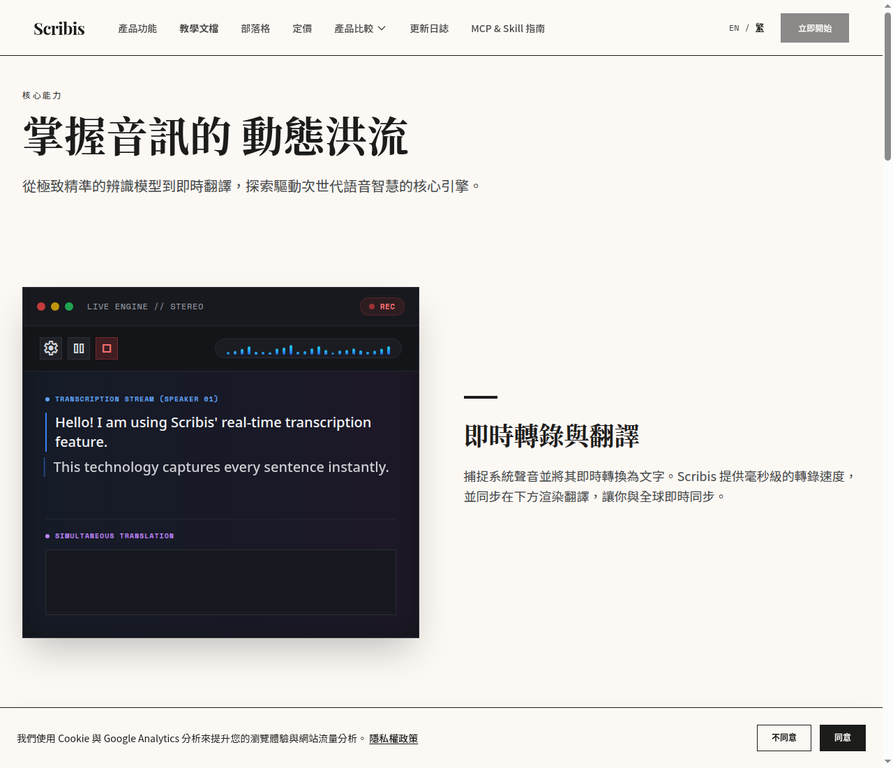 Figure: Scribis official product feature page
SmartSub features a dedicated proofreading view with AI polishing, suitable for batch side-by-side text review. Scribis emphasizes a dynamic timeline where you can drag waveform handles, cut video via text transcript, and export ProRes 4444 with alpha channel transparency. If your next step is bringing assets into Premiere or Final Cut Pro, Scribis offers a smoother handoff.
3. Multilingual Translation and Voice Dubbing
Both applications support translation and audio dubbing. SmartSub excels in batch automation—you can predefine speaker roles and voice styles and let it process in the background. Recent Scribis updates integrate YouTube bilingual subtitles and automated dubbing directly on the timeline, allowing live listening and editing.
4. Online Video Processing
SmartSub has built-in yt-dlp support; pasting a video URL downloads content directly for processing. Scribis features an in-app YouTube player, letting users view bilingual subtitles and voiceovers in real time without downloading video files first.
Recent Updates Comparison
Reviewing recent release logs highlights each team's current development focus.
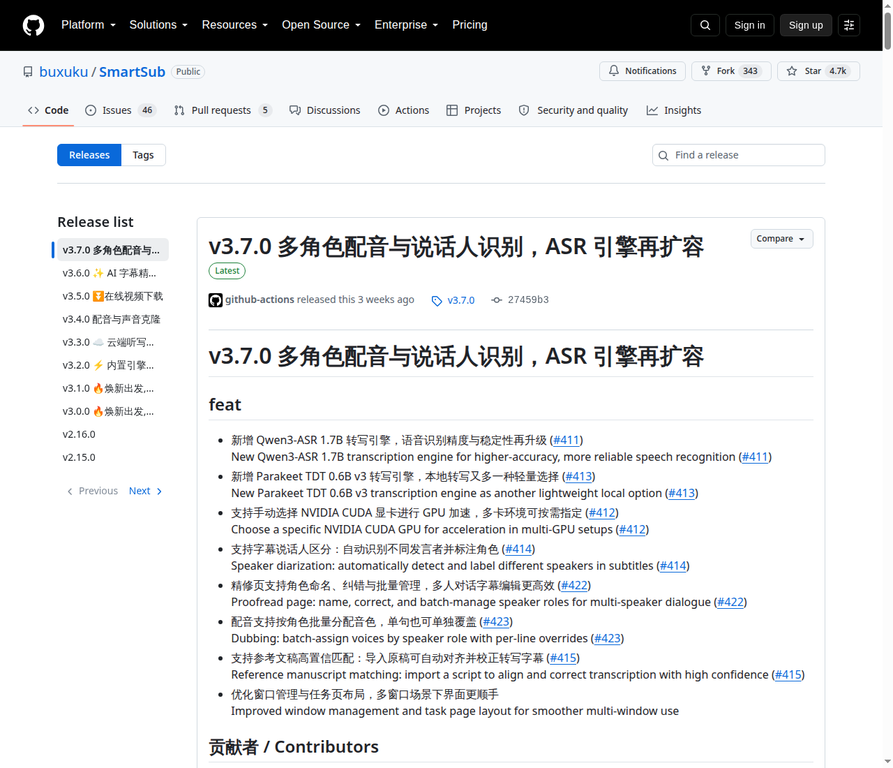 Figure: SmartSub v3.7.0 official Release page
| Tool & Version | Key Highlights | User Impact |
|---|---|---|
| SmartSub v3.7.0 (2026-08-06) |
Added Qwen3-ASR engine, selectable CUDA GPU, character naming & batch dubbing management, reference transcript alignment. | Strengthens script alignment and multi-role dubbing, continuing to deepen local and batch processing capabilities. |
| Scribis v1.1.7/1.1.8 (2026-08-24) |
Added Groq/ElevenLabs API support, waveform cut points, speaker color tags, in-video subtitle editing, Alpha ProRes 4444 export. | Improves multi-speaker dialogue recognition and enhances handoff capabilities for professional video editing tools. |
SmartSub is deepening multi-engine and character dubbing features, while Scribis continues refining timeline and video editing workflows.
Pricing and Cost Model
With SmartSub, the software itself is free, but you need capable local hardware and must invest time navigating setup configurations.
Scribis follows a commercial software model. The Free tier includes basic limits (e.g., 30-minute processing per file). Users can buy structured convenience—either through subscriptions or a US$49.99 Local Pro Lifetime license to unlock complete local functionality permanently.
Which One Should You Choose?
If you are working on an Intel Mac or an older Windows PC without a dedicated graphics card, SmartSub is a great choice. It supports a wide array of CPU and GPU backends with excellent hardware compatibility.
If your daily routine involves fetching online videos, adding bilingual subtitles, generating AI dubs, and exporting completed videos, SmartSub's automated pipeline saves the most effort.
However, if you regularly organize 2-hour multi-speaker meetings, need automated speaker identification, or want a clean interface to align timestamps frame-by-frame on audio waveforms, Scribis will feel much more natural.
The simplest recommendation: pick a typical audio or video file from your workflow and test it in both applications. Choose whichever requires fewer clicks to get your job done.
Note: This article is based on public releases as of August 2026 (SmartSub v3.7.0 / Scribis v1.1.8). Software features and pricing may change over time; please verify latest details on official websites.
References
- Subtitle Edit GitHub repository
- Subtitle Edit v5.1.0 release
- What’s New in Subtitle Edit 5
- Subtitle Edit supported formats
- Subtitle Edit Speech to Text
- Subtitle Edit Audio Visualizer
- Scribis Official Homepage
- Scribis Product Features
- Scribis Chapter 1: Product Introduction and Quickstart
- Scribis Changelog
- Scribis Pricing
- Scribis Privacy Policy
- Scribis Terms of Service