Scribis Dictionary and Pronunciation Guide: Correct Recurring Terms
Create text replacement rules with the Scribis standard dictionary, and learn how to enter IPA, Zhuyin, and Pinyin in the pronunciation dictionary.
Product names, people's names, and technical terms are often recognized as words with similar sounds. Scribis includes a standard dictionary and a pronunciation dictionary to help you define reusable rules and reduce repeated manual corrections. Start with a few precise rules and test them in real sentences.
Standard dictionary: replace common errors with the preferred spelling
Add a rule on the Dictionary page by entering a key and a value:
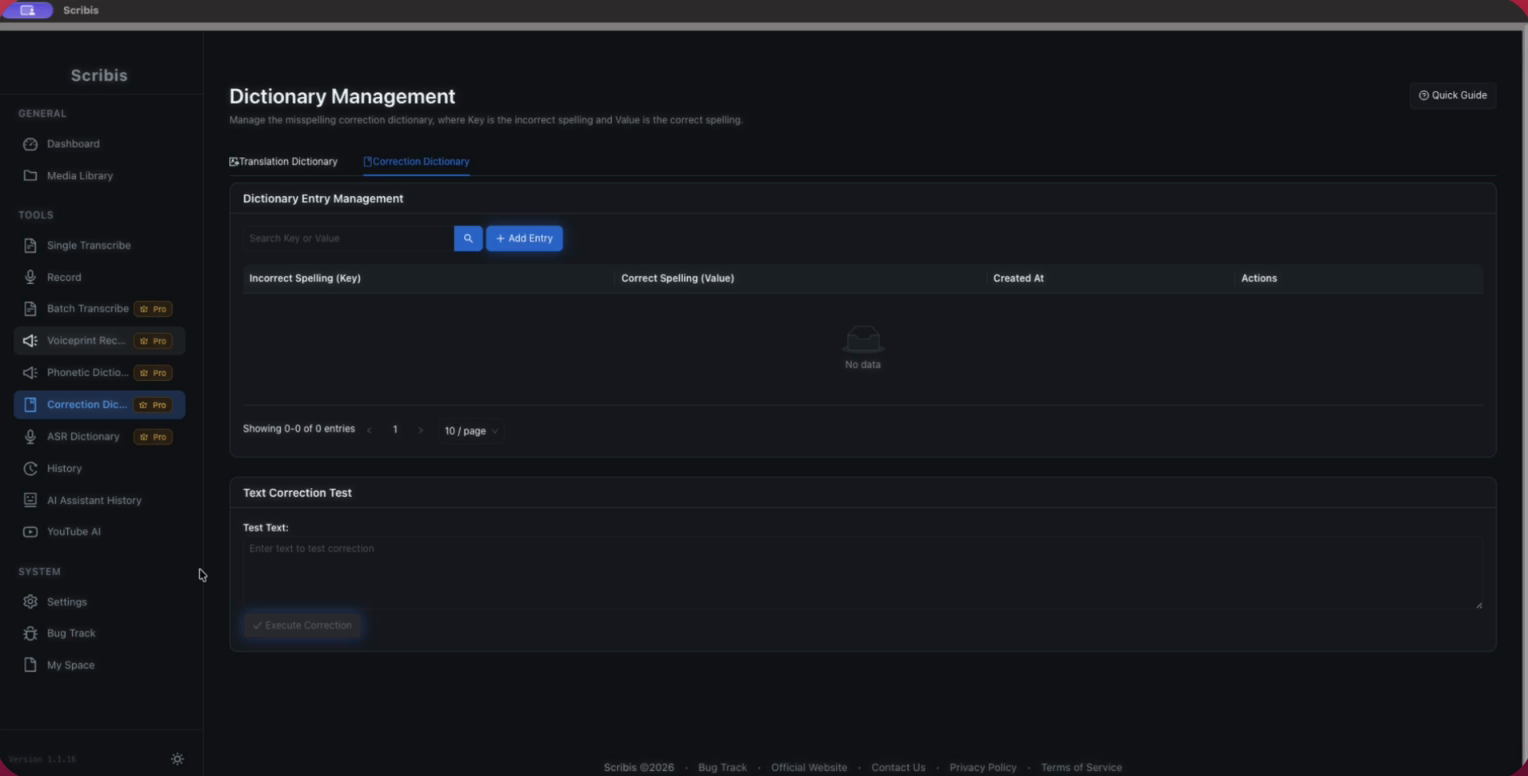
- Key: The incorrect or alternate text that often appears in recognition results.
- Value: The text you want to use instead.
For example, if a test sentence often turns Claude Code into the ordinary phrase cloud code, set the recognized phrase as the key and Claude Code as the value. Base rules on your own recognition results. Start with proper nouns that are easy to distinguish, and avoid broad replacements.
Before saving, use the page's correction test. Enter a sentence containing the term and confirm that the replacement and surrounding context are correct. If the same key could mean several things, narrow the rule or use a more specific phrase.
Pronunciation dictionary: provide pronunciation cues
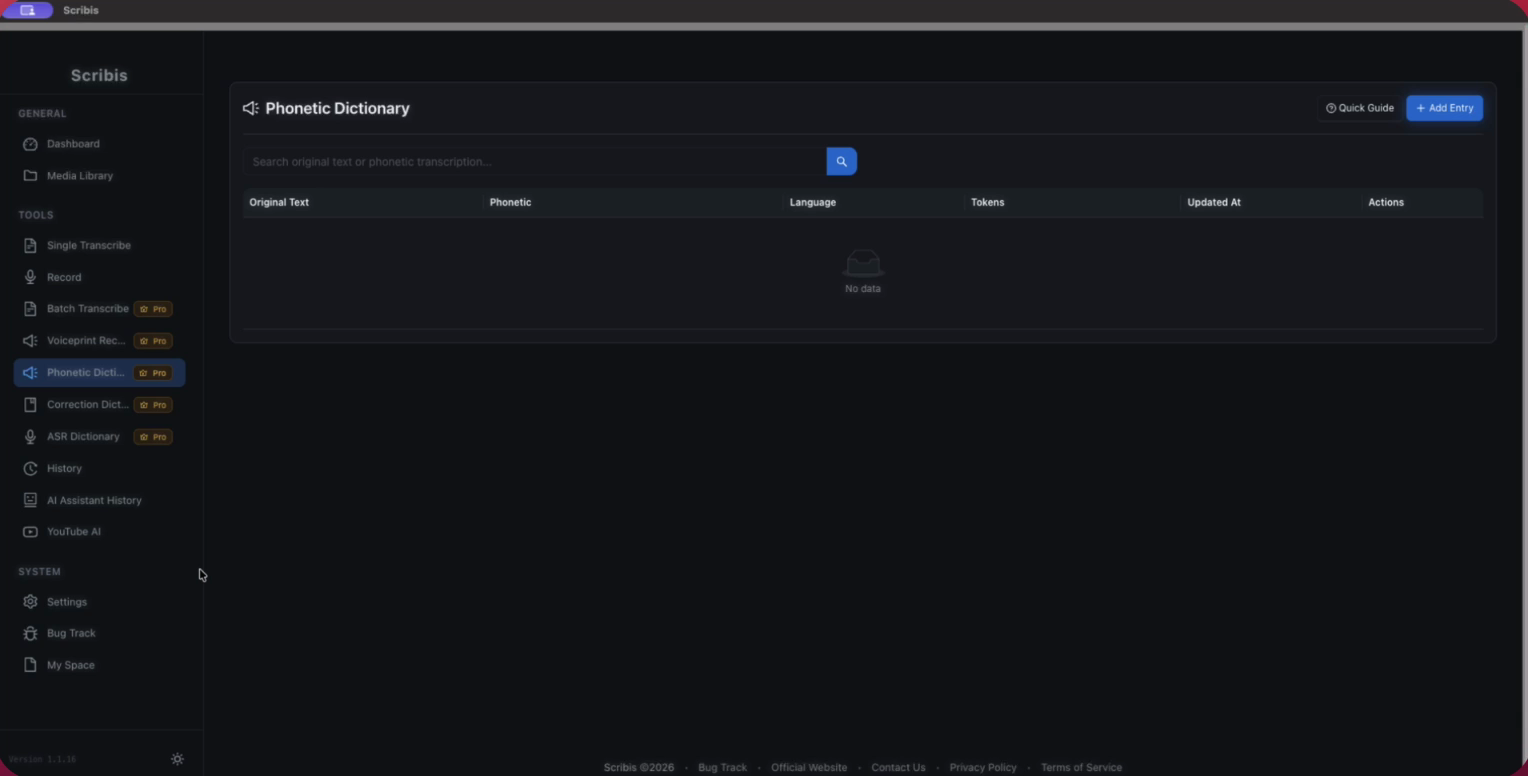
The Pronunciation Dictionary sets how text is pronounced. It is useful for synthesized speech or specialized terms in advanced voice workflows. Depending on the fields shown in the app, you can enter IPA, Zhuyin, or Pinyin; the app converts Zhuyin and Pinyin according to its pronunciation handling.
Start with one representative word, enter its pronunciation, and listen to or test the result. If it still sounds unnatural, check tones, syllable boundaries, and the context of polyphonic characters, then adjust one item at a time. Adding many rules at once makes it harder to identify which one caused a problem.
Which dictionary should you use?
| Need | Tool |
|---|---|
| Replace a recognized phrase with its standard spelling | Standard dictionary |
| Set a pronunciation for specific text | Pronunciation dictionary |
| Correct subtitle text that already exists | Edit the text or use find and replace in the translation editor |
The standard and pronunciation dictionaries serve different purposes. A pronunciation setting does not replace subtitle text. When editing existing subtitles, check the editor's text directly; do not assume a new rule will update transcripts that are already complete.
A practical way to maintain rules
- Collect recurring recognition errors and their preferred spellings.
- Make the key and value specific; avoid overly broad strings.
- Test sentences that include the surrounding context.
- Confirm the result with a new short audio clip or a TTS preview.
- If the result gets worse, disable or edit the most recently added rule and test again.
Dictionaries can make recurring terms more consistent, but they do not replace listening to the source. For important names and specialized content, verify the wording in context in the subtitle editor.